

Pick a shape
Ten ready-made lamps, vases and planters, each one already tuned to print cleanly.

Single-wall spiral prints
Not a full slicer. One continuous wall, as thick as your nozzle and line width make it — and within that, the spiral, the floor and the surface are yours to shape. Design, preview and export G-code in one browser tab.
Runs in your browser — and on a Raspberry Pi.
Slide 1 of 3
What is Sculptiq
Sculptiq is a browser studio for single-wall spiral prints: you shape the object and generate its G-code in the same place, with the 3D preview showing the real toolpath as you move a slider.
The usual route is CAD, export a mesh, import it into a slicer, fight vase-mode settings, reprint. Every pattern tweak means the whole round-trip again. Here the pattern, the wall and the G-code are the same object — change a value, watch the toolpath change, export.
The output is always one continuous wall, as thick as your nozzle and line width make it: no infill, no second perimeter, no solid top. That is a deliberate constraint on how it prints, not on what you can make — within it, the silhouette, the pattern, the surface texture, the floor and the ceiling are all yours.
Not a slicer
No generic profile to fight. Wall, seam, flow and speed are exposed directly.
Not CAD
No modelling to learn. Draw a curve, drag a lattice or import an STL and reshape it.
Local first
Geometry, toolpath and export are computed in your browser. Nothing is uploaded.
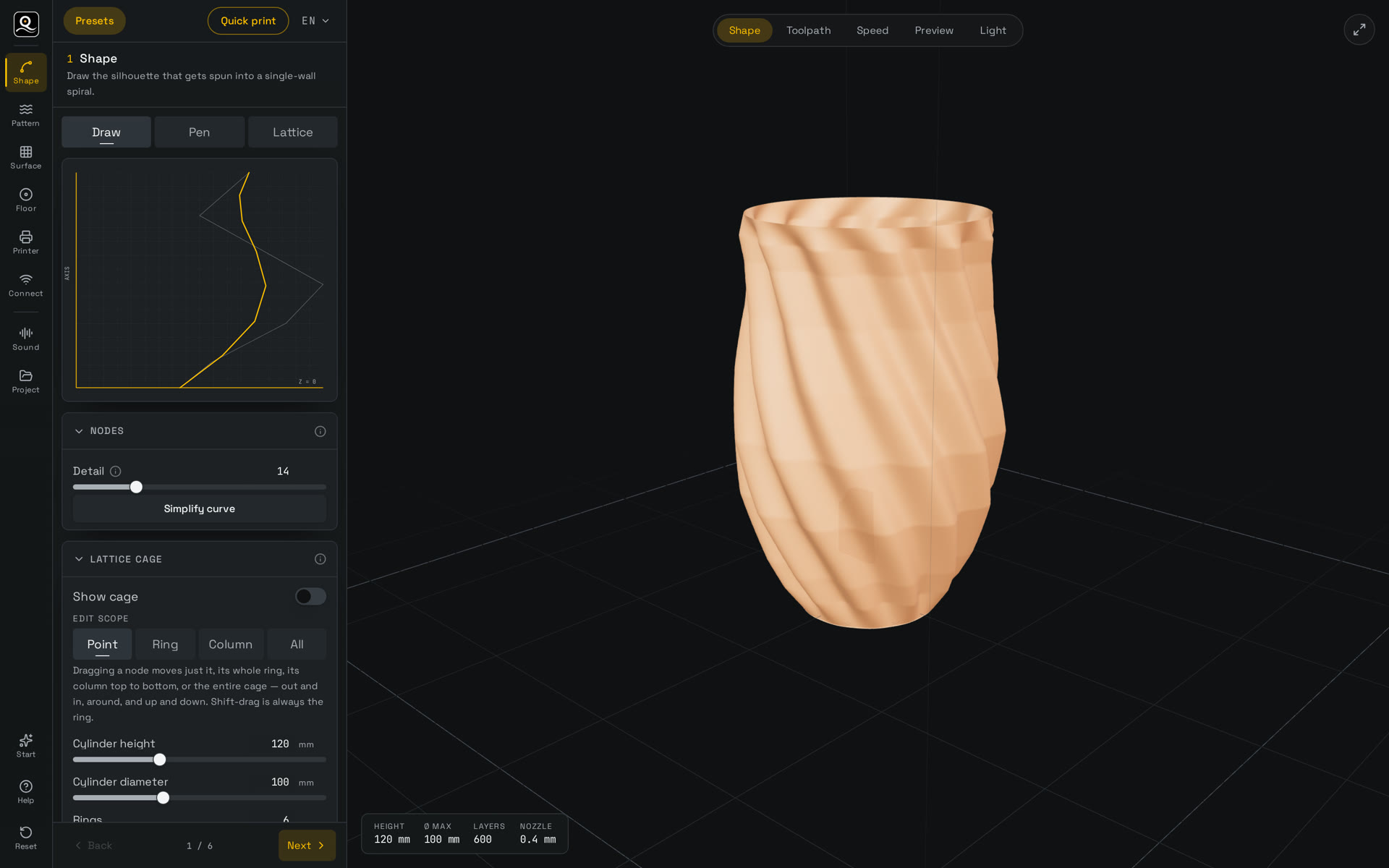
Shape it
Step 1 of the studio: the silhouette on the left is spun into the single-wall form on the right.
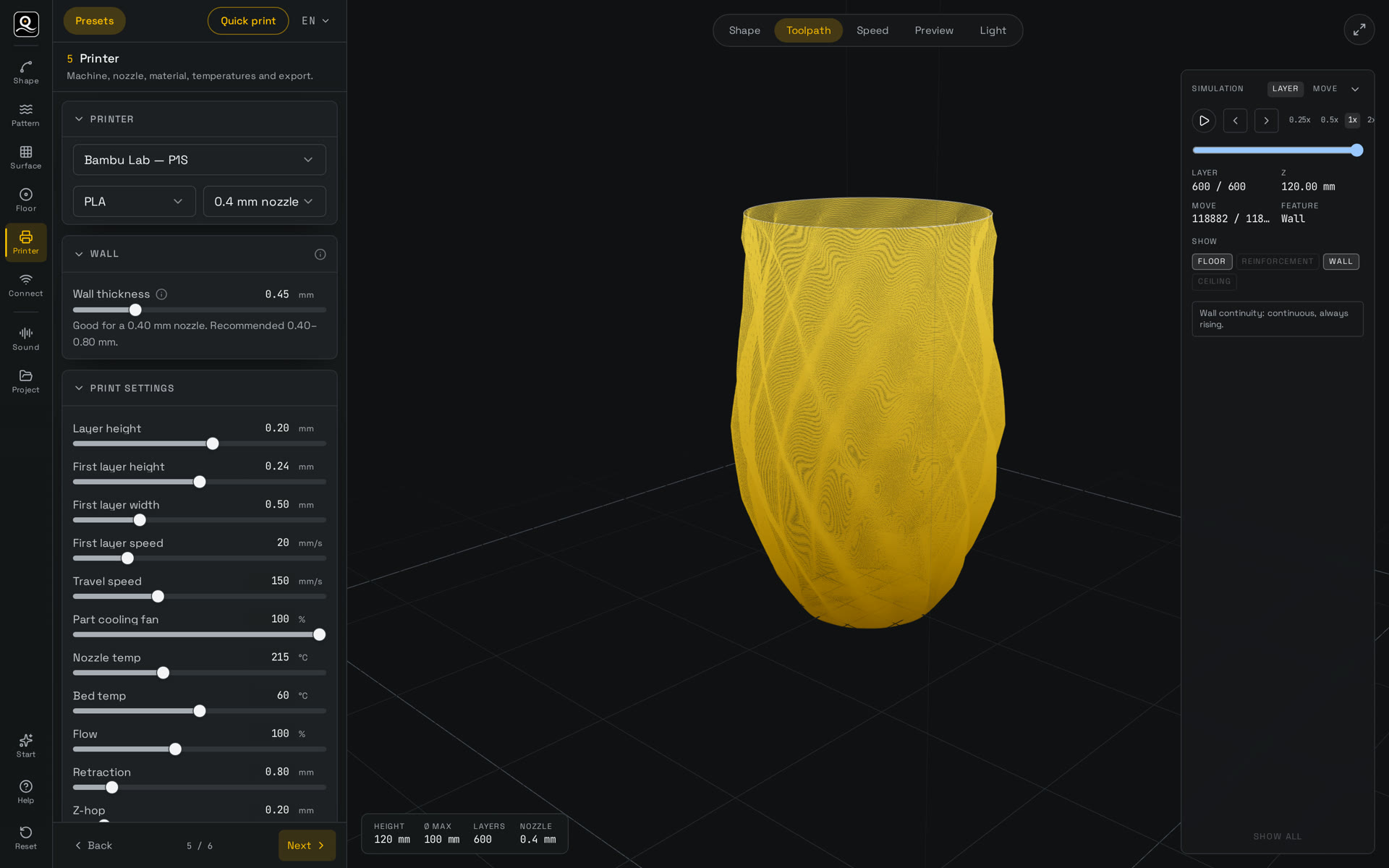
See the real toolpath
Step 5 with the toolpath view: every extrusion move the printer will make, layer by layer.
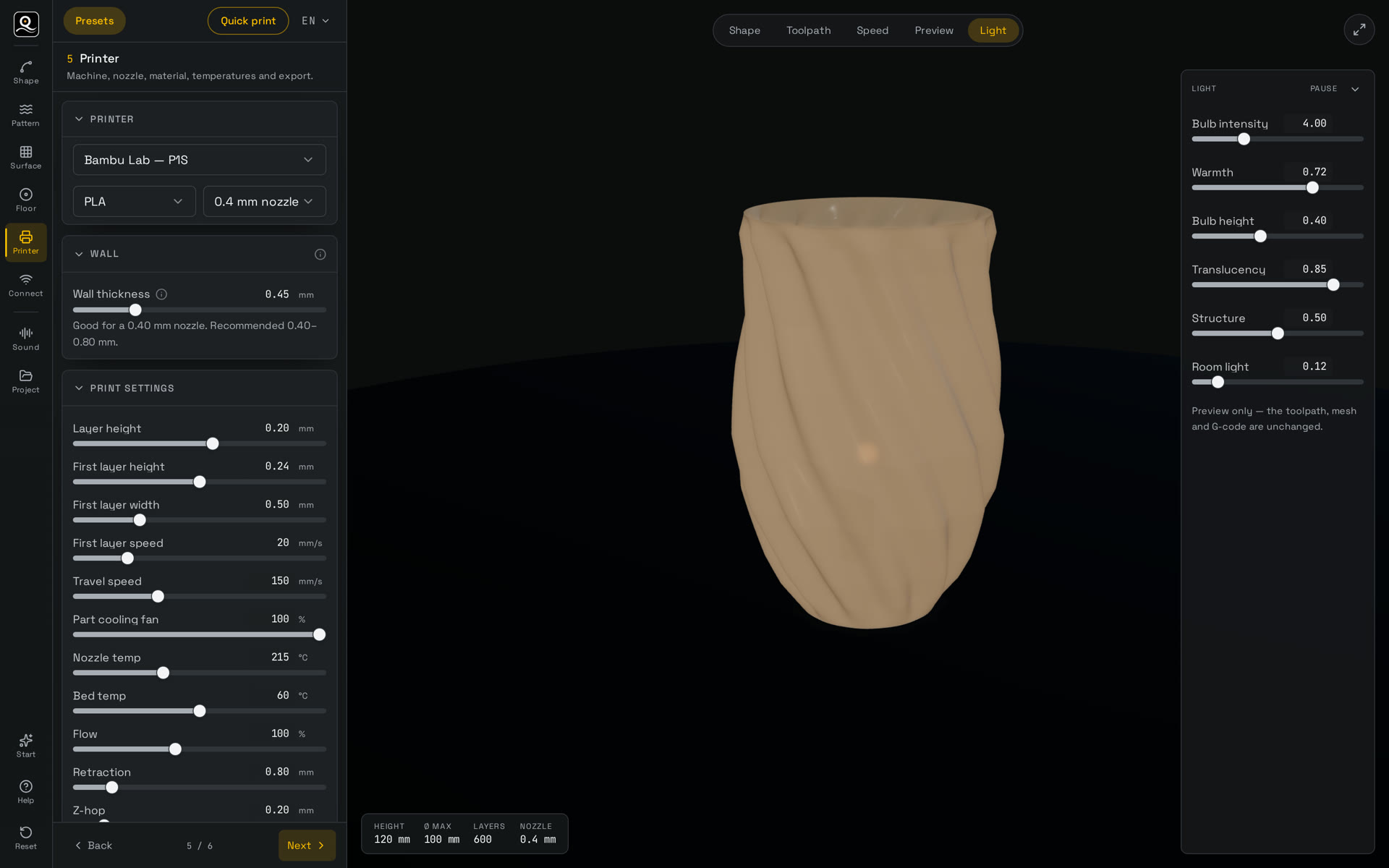
Preview it lit
The light view renders the wall as a shade, so you can judge the glow before you print.
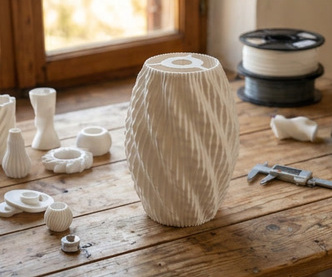
The printed result
Off the bed: one continuous wall, no infill, no second perimeter — the spiral you shaped.
New here?
No CAD, no sliders, no learning curve. Pick a ready-made shape, pick your printer, and download a file that is already pre-flight checked. Customise later — or never.
Ten ready-made lamps, vases and planters, each one already tuned to print cleanly.
Choose your machine and nozzle once. We remember it for next time.
Pre-flight runs by itself and hands you a printable G-code 3MF with a printability score.
Thin walls and the right pattern turn a print into a lampshade that glows with texture and shadow. What takes weeks in Grasshopper or Blender takes minutes here, with sliders.
Sketch a silhouette with the mouse, refine every point with exact mm and lean angles, or pull a 360° lattice cage to sculpt the wall directly.
Twist, ripple, hammered, pleats, sunflower and more — plus PNG/SVG imports and text lettering, confined to any band with the live effector.
Stitches, distortion, columns, mesh and woven toolpaths with depth, spacing, z-tilt, flow modulation and round corners.
Concentric, linear or lamp floors, closing lids, center holes and reinforced bulb-socket collars with radial ribs.
Feed a track or your microphone and let frequency shape the wall in real time — the form grows with the music.
Bambu Lab, Prusa, Anycubic, Elegoo, Snapmaker and Creality profiles, 0.2–0.8 mm nozzles or custom start/end G-code. Export G-code, STL, 3MF and OBJ.
Pressure-aware strokes keep more nodes where you press harder, a hover ghost shows the next pen point before you tap, and box cross-sections can be sketched freehand.
Drop in an old or downloaded model and it's scanned into an editable silhouette plus a matching lattice cage, ready to re-proportion, re-pattern and re-slice as a single-wall print.
Saved projects, printer profiles and report history sync to your account across devices, while audio uploads route to your own FTP on cloud.sculptiq.eu.
Silhouette, cross-section, STL import or lattice cage.
Generative modifiers, image and text sources, live effector.
Direct toolpath texture: stitches, mesh, woven, columns.
Fill type, layers, holes, ceilings and socket reinforcement.
Profiles, material, nozzle, wall thickness, speeds, export.
Send straight to OctoPrint or Klipper — optional.
Pre-flight check
Before you export, Sculptiq runs a pre-flight check on the generated toolpath. It evaluates printability, highlights potential structural issues, verifies printer compatibility against your build volume, and generates a detailed report that you can download as HTML or PDF.
Most tools stop at “wall thickness too small.” Sculptiq goes one step further. Every finding includes Fix in buttons that take you directly to the settings responsible for the issue. One click closes the report, opens the correct step and highlights the slider to change.
The wall moves sideways faster in one revolution than the underlying extrusion can support. Possible adjustments:
Each pre-flight report includes its own unique Report ID, making it easy to reference a specific export if you ever need assistance or want to discuss a particular result.
Live preview and toolpath simulation, a pre-flight safety check against your bed limits, and export to G-code, STL, 3MF and OBJ when you are ready.